Bid Management by Constructable
Construction bid management software for general contractors
Send bid packages to the subs in your directory, see who's bidding, compare prices scope by scope, and turn the winners into commitments. Bidders open the package from a link in the invite and bid at no cost because we do flat pricing with unlimited users.
Bid packages
One package, a price for every scope
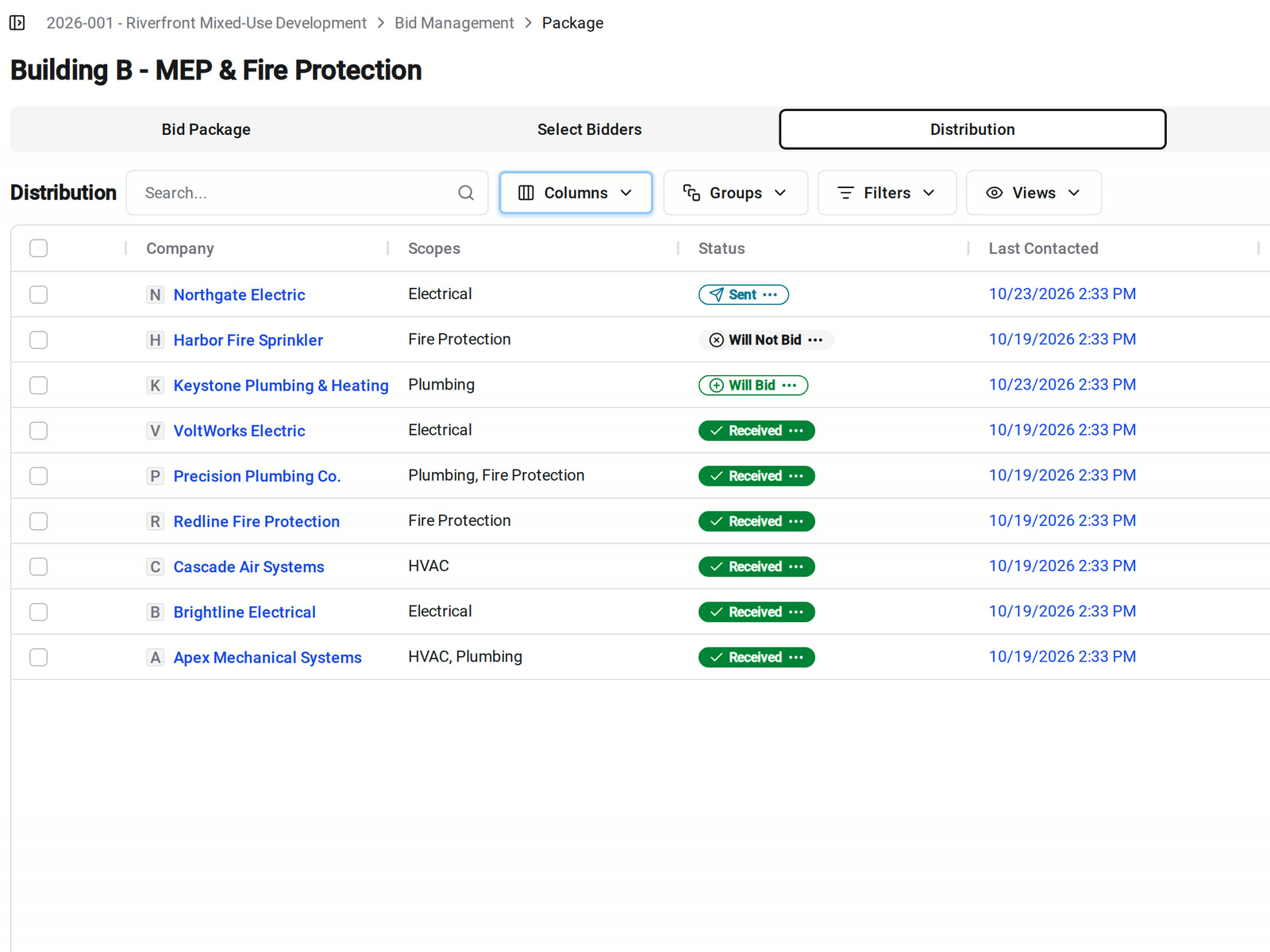
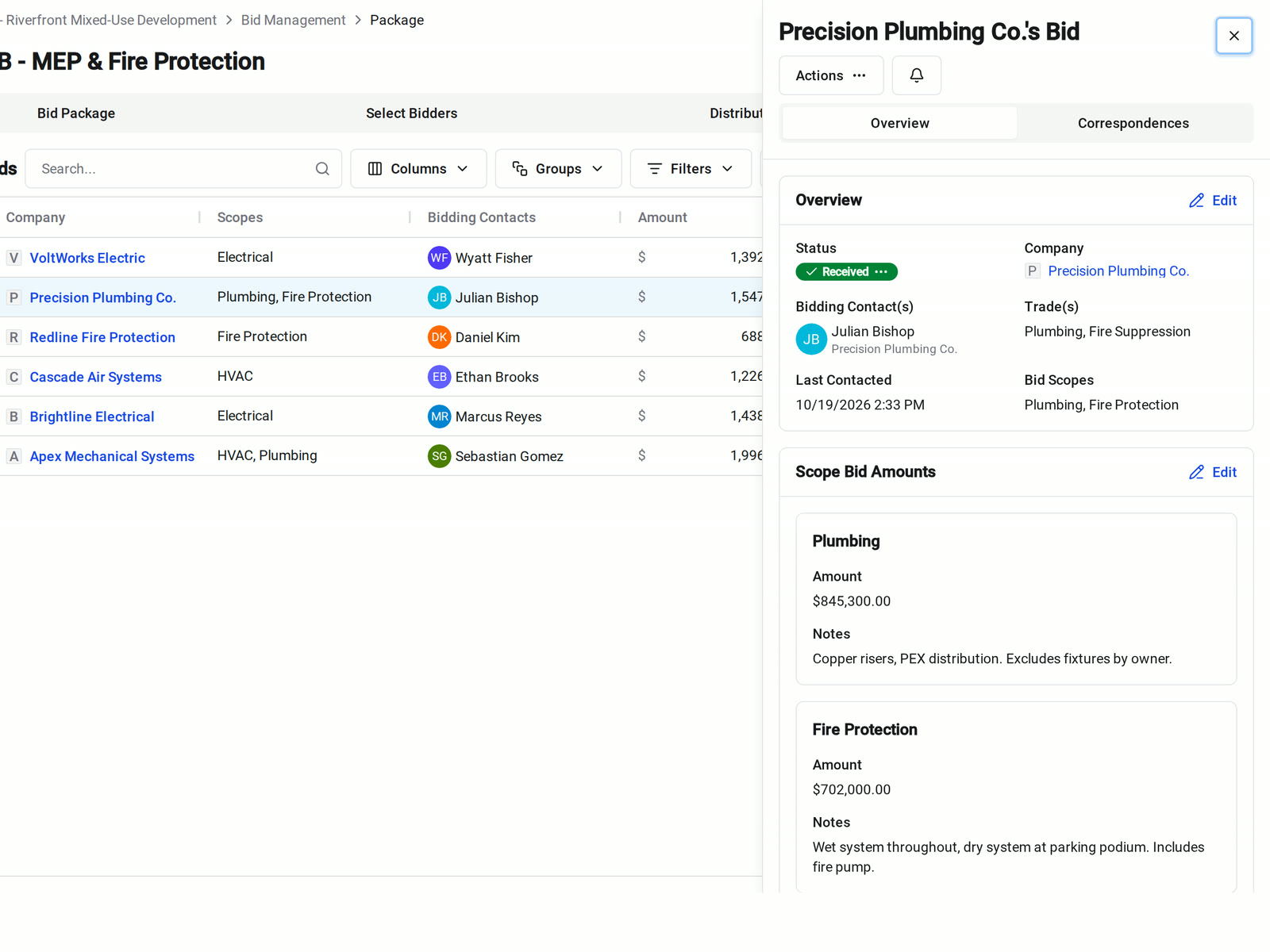
Set the manager, due date, project description, bidding instructions, and attachments once. Then add a scope for each portion of work you want priced separately.
• Several trades in one package: add HVAC, plumbing, electrical, and fire protection as scopes, each with its description, inclusions, and exclusions
• A sub prices two scopes: they enter an amount and notes for each one, so you never have to split a lump sum
• Bidders need the documents: invited bidders see each scope's details and open the project's drawings, specs, documents, and photos from the Bidder Portal
Invitations and follow-up
Invite from your directory and see who's bidding
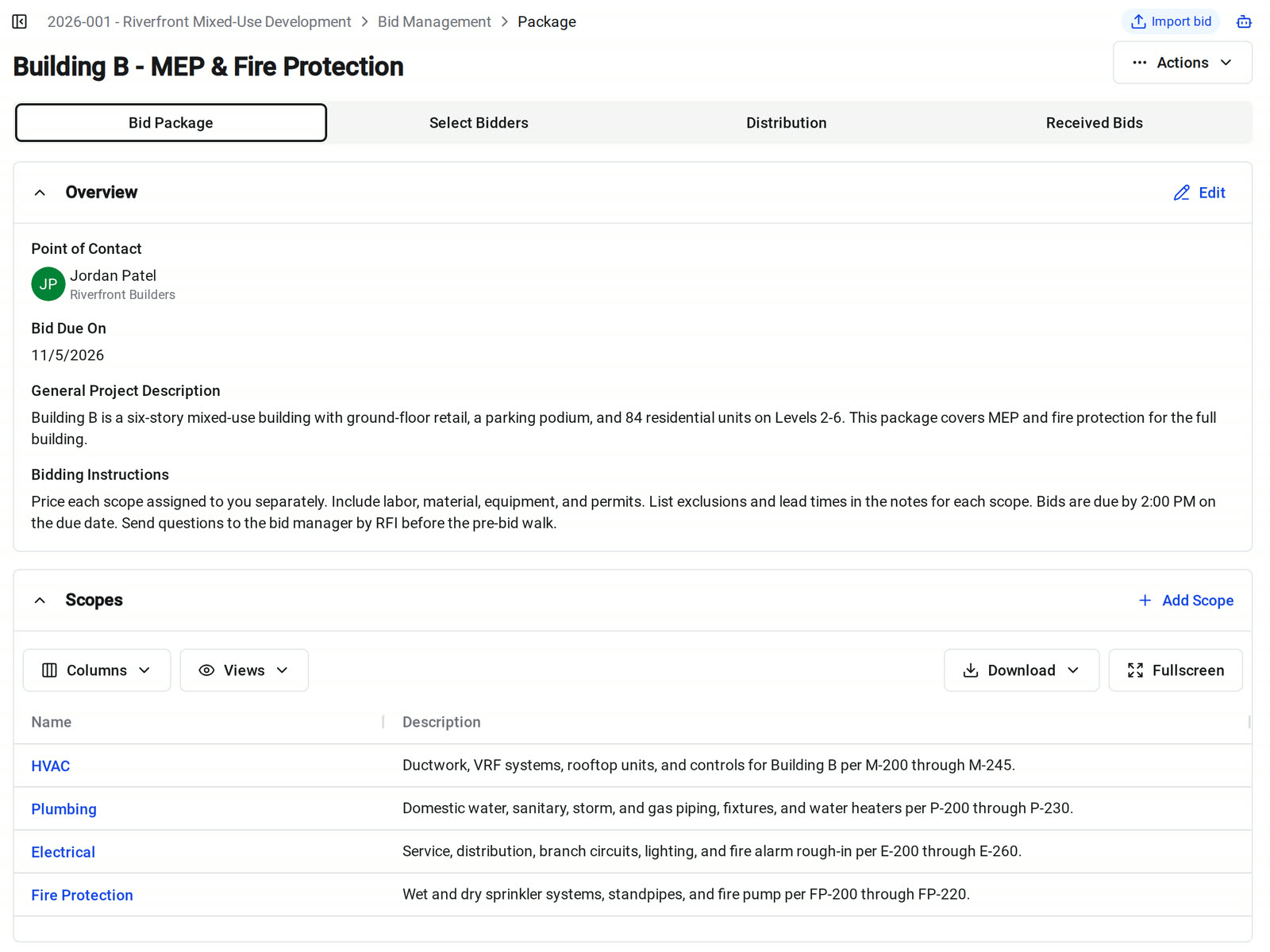
Pick subcontractors from your directory, send the invitations in bulk, and track every company from Sent to Received.
• Building the bid list: search, filter, and group your subs by company, trade, or tag, and the invite goes to each company's bidding contacts
• Chasing responses: message the companies that haven't answered without sending a second invitation, and see when you last contacted each one
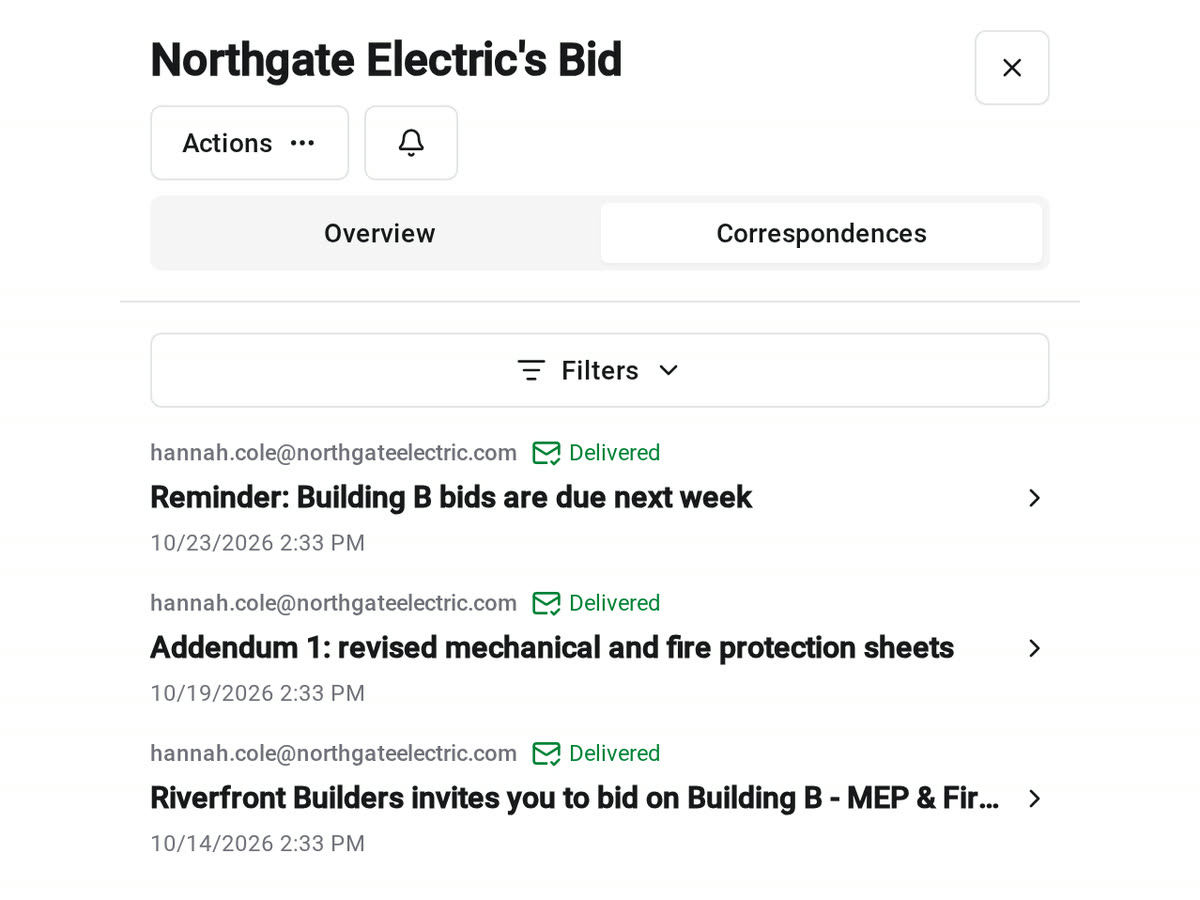
• Checking what a sub received: each bid's Correspondences tab lists every email sent to that company and its delivery status
Bidder Portal
A bid invite subs can answer from their phone
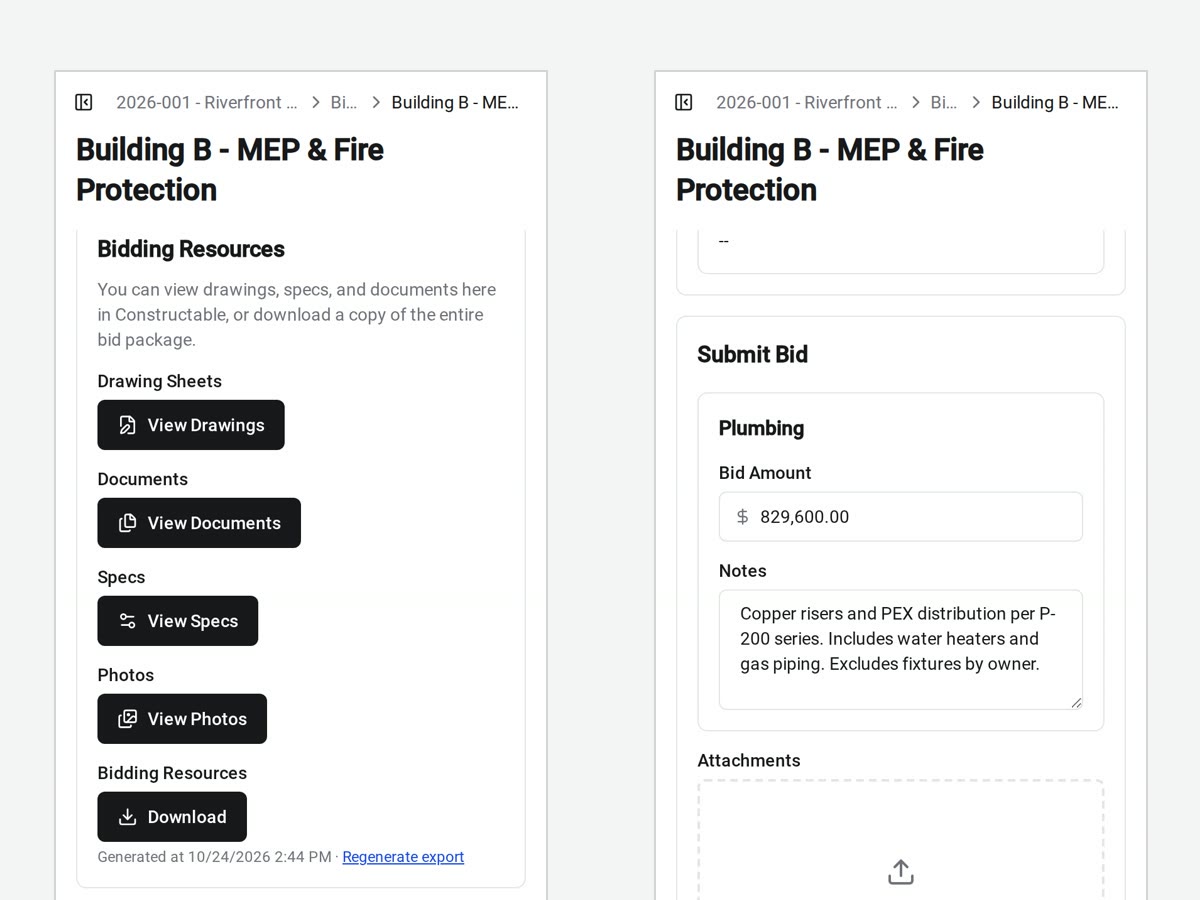
The link in the invite takes each bidder straight to the package. They see the due date, the instructions, and the scopes they're pricing, then submit an amount for each scope.
• Getting the bid set: view drawings, specs, documents, and photos in Constructable, or select Download All for one ZIP
• A sub passes: Will Not Bid records the answer and stops follow-up email for that package
• Pricing changes before the deadline: bidders update their bid while the package is open
Received bids
Compare bids by company and scope
Received Bids lists every submitted bid with its scopes, bidding contacts, total, and latest activity. Open a company to see the amount and notes it entered for each scope.
• Reviewing one trade: filter or group the bids by company, scope, or trade
• Sharing a review copy: download a PDF with each bidder's PDF and image attachments behind cover sheets
• Seeing recent changes: sort by latest activity to find the bidders who updated their bids most recently
AI bid import
Enter emailed PDF proposals with the Agent
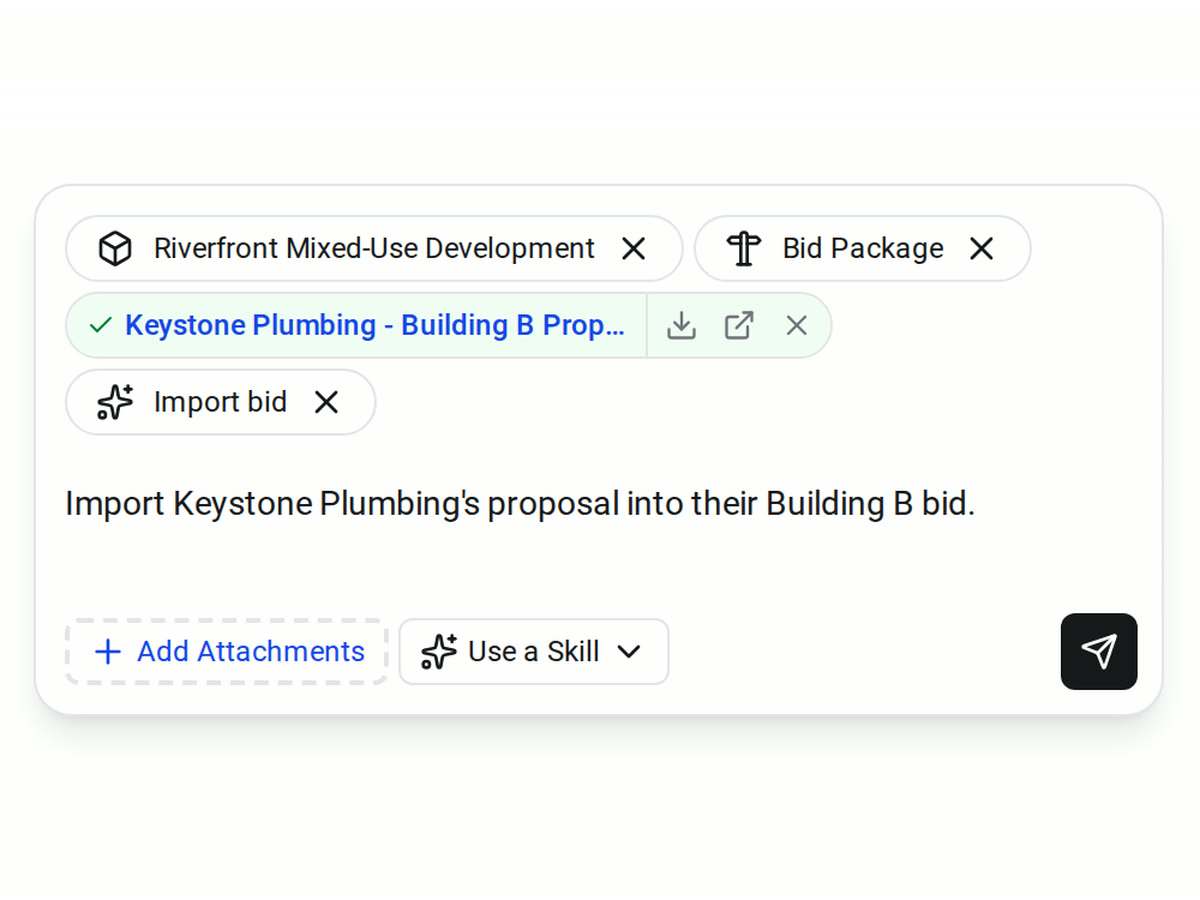
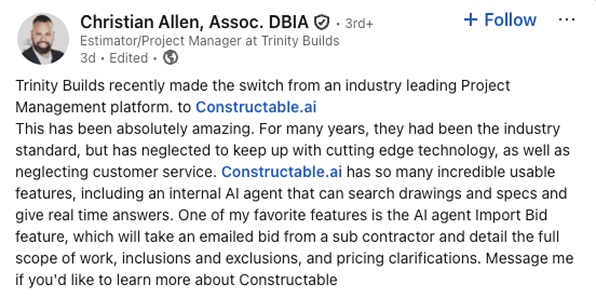
When a sub emails a proposal instead of bidding online, attach the PDF in Agent with the Import bid skill. The Agent reads it and fills in that sub's bid on the package.
• Before you import: add the company to the package's bid list, because the Agent updates an existing bid and doesn't create one
• The match is unclear: the Agent asks which company, package, or scope the proposal belongs to
• After the import: open the bid and check each amount, note, and attachment against the PDF
Award
Turn the winning bids into commitments
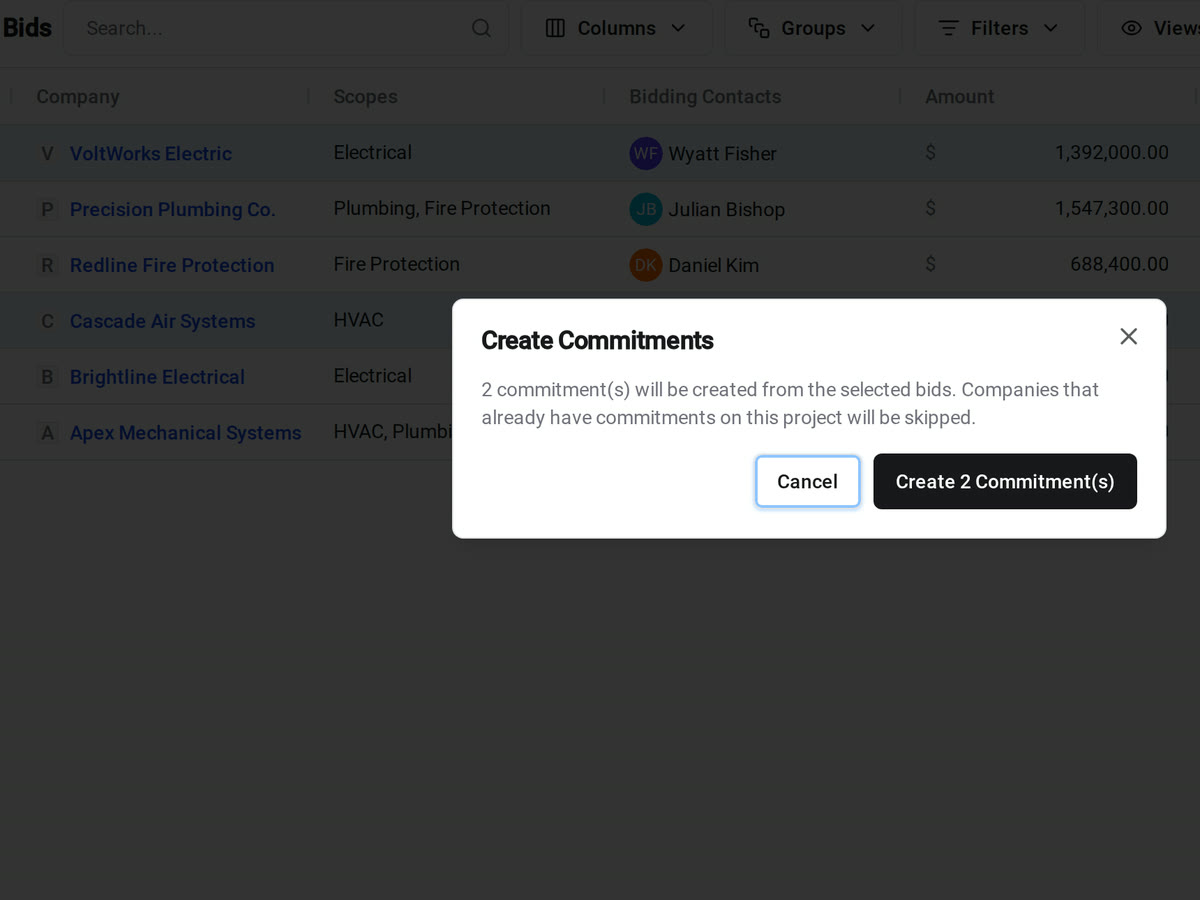
Select the bids you're awarding in Received Bids and create their commitments in one step. Each commitment starts with the company and the bid's scopes, so you don't retype them.
• Awarding several trades at once: select every winning bid and create all their commitments together
• Writing the subcontract: each scope's description, inclusions, and exclusions become the commitment's scope of work
• Wrapping up the bid: close the package to stop new responses and keep every bid and message on record
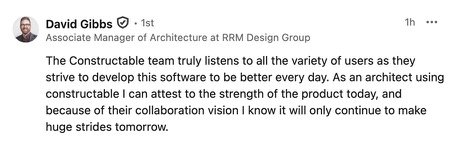
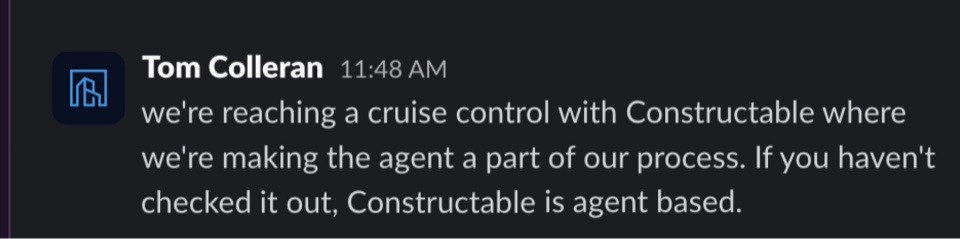
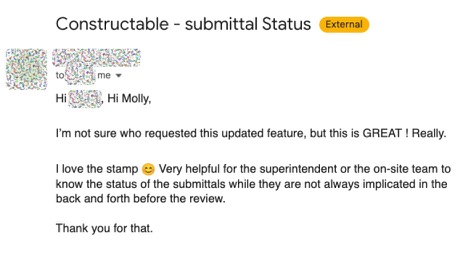
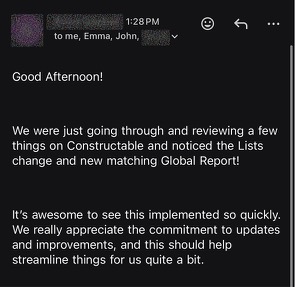
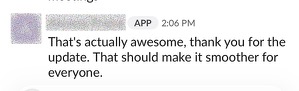
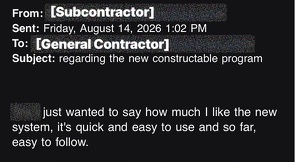
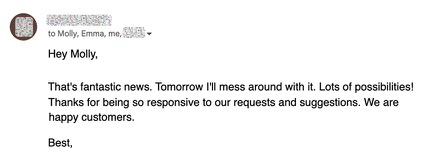
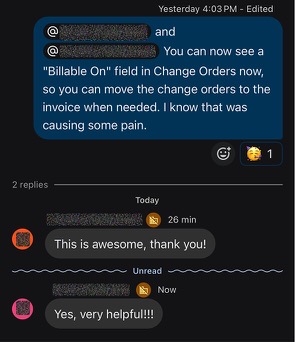
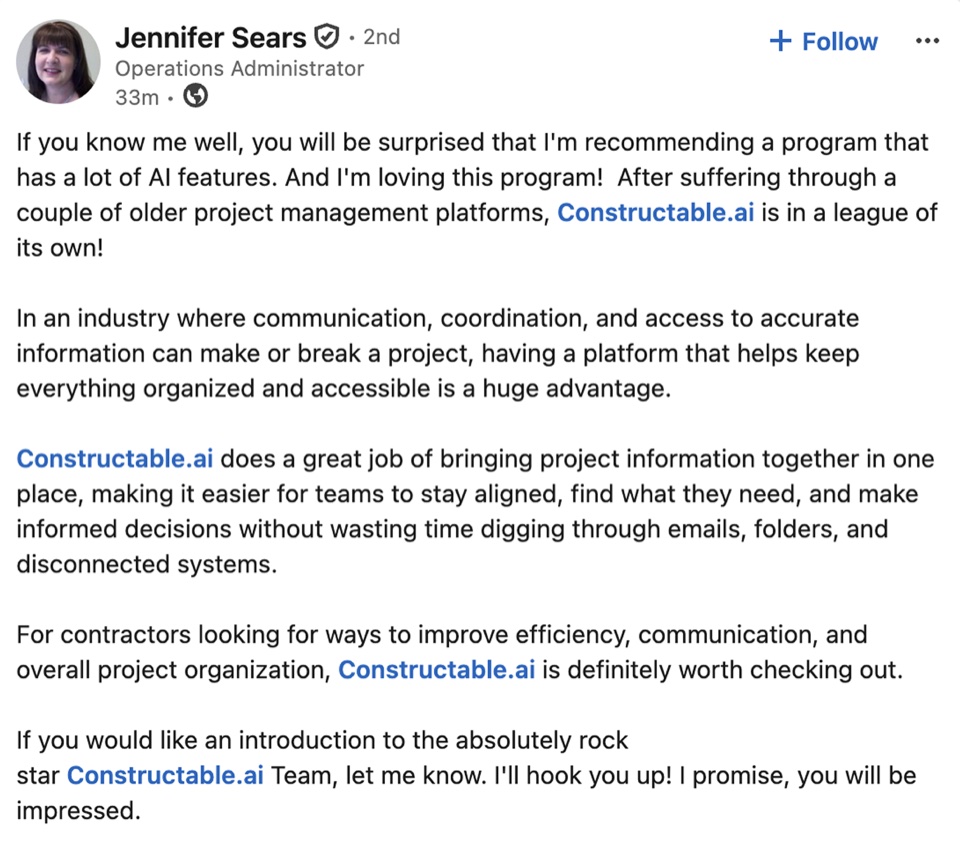
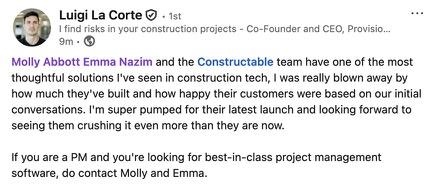
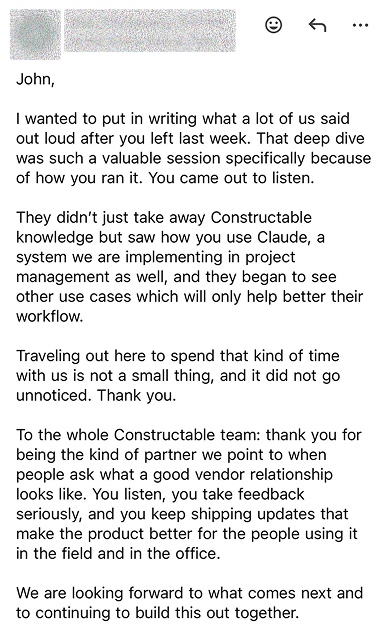
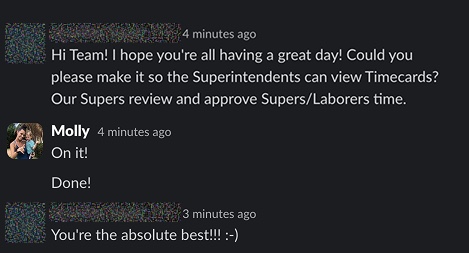
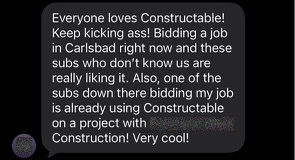
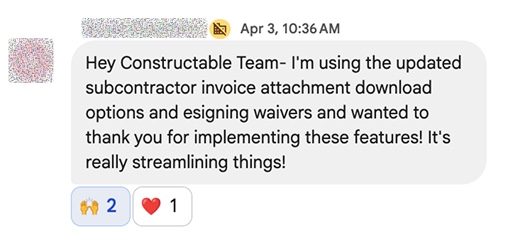
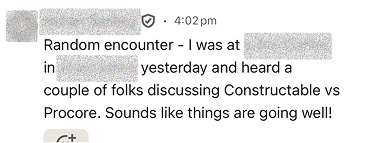
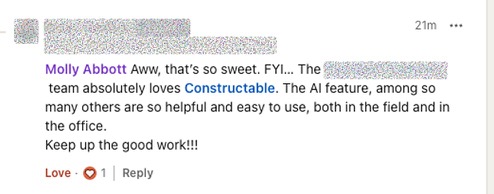
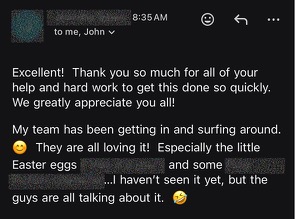
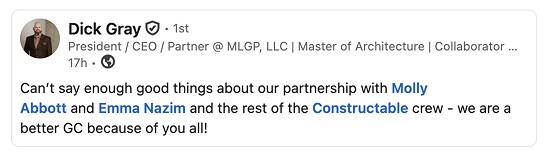
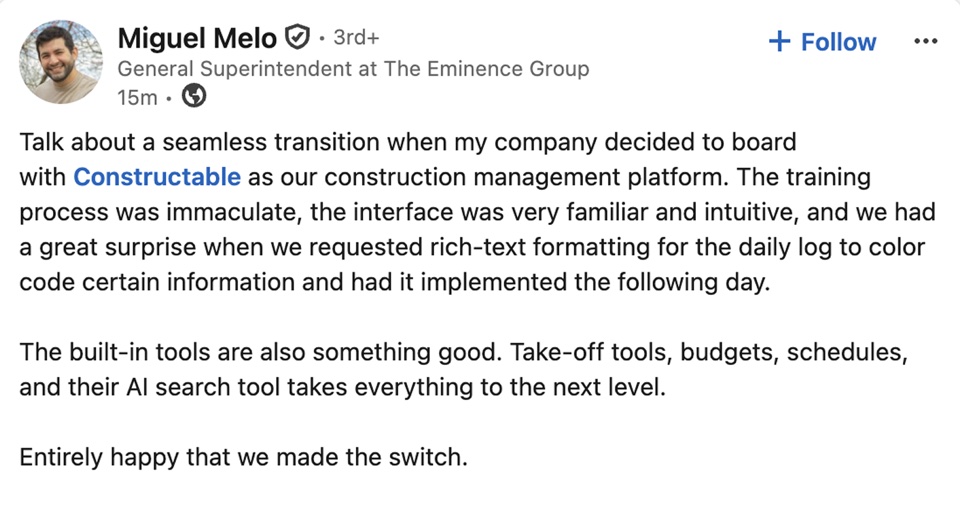
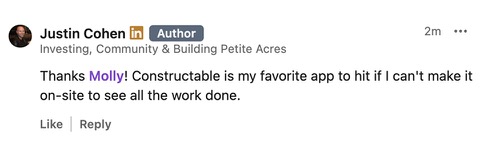
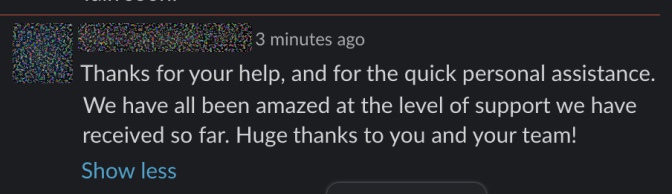
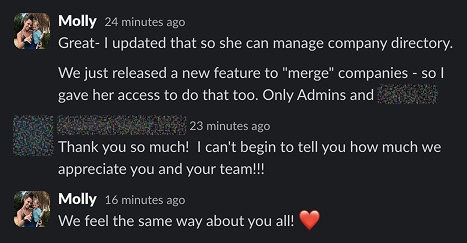
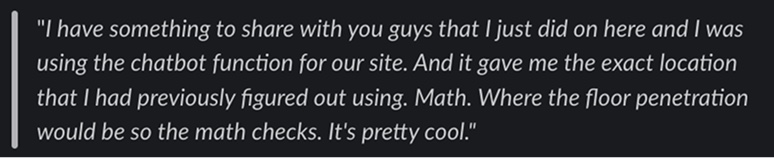
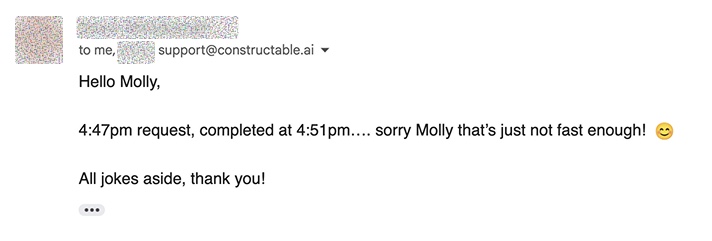
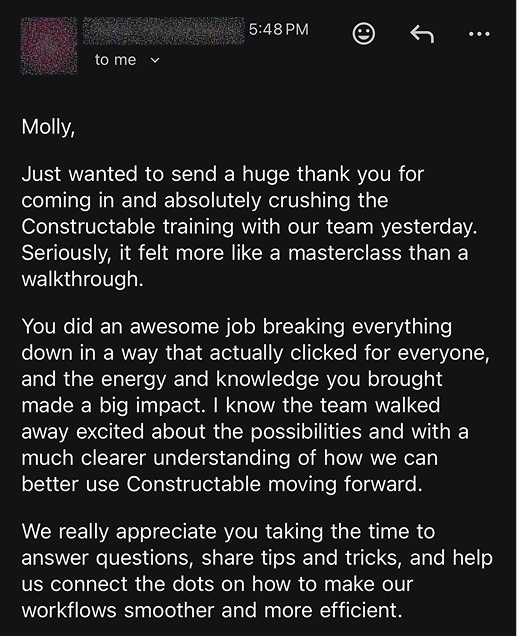
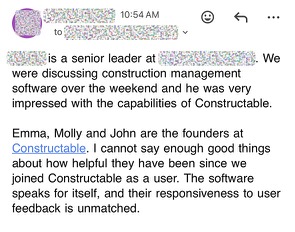
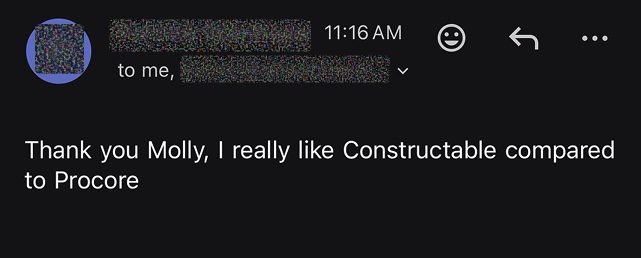
Hear from the GCs building with Constructable
Loved in the office and in the field
Take your drawings anywhere with the Constructable app for iPhone, iPad, and Android.


Get every bid in
before the deadline.
Book a 30-minute demo with our team.
WallofHappiness










Frequently Asked Questions
Do subcontractors need to pay for or sign up for an account to bid?
Can bidders price separate scopes in one package?
Can bidders download the drawings and specs?
How do I track who has responded and follow up?
What if a sub emails a PDF proposal instead of submitting online?
Can I turn the winning bid into a subcontract or commitment?
Can I bid from my phone?
Which plan includes bid management?
with better bids
at a glance